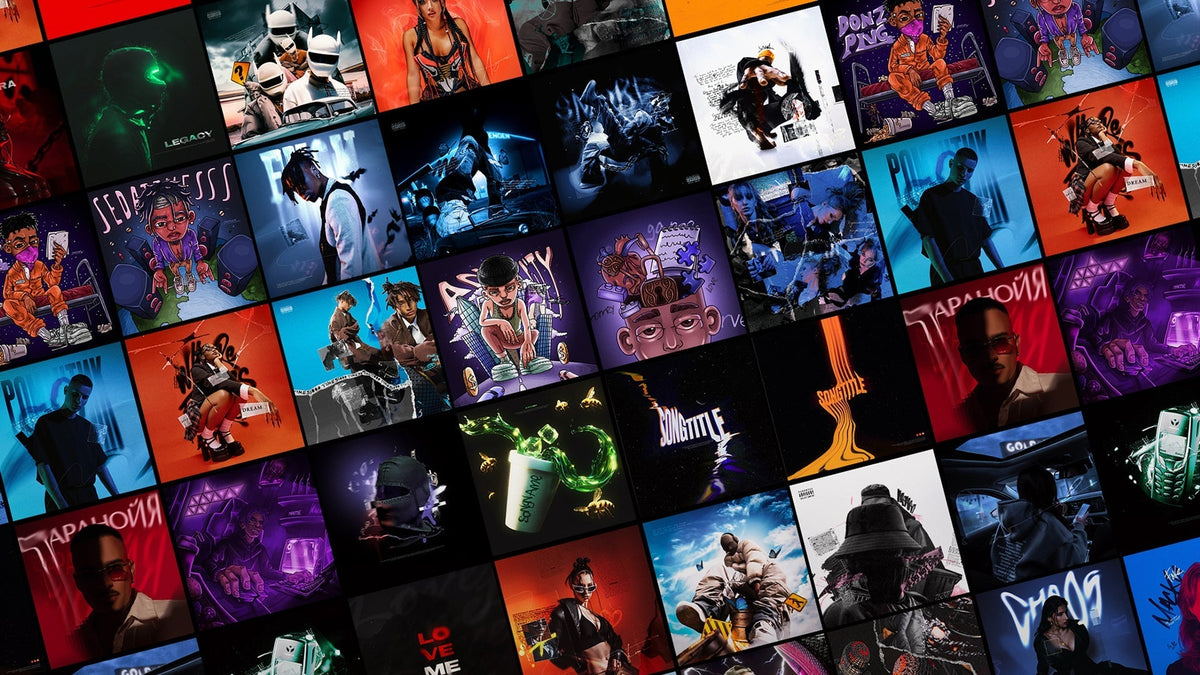
The Ideal Size for Music Cover Art for Distribution on Music Platforms
When releasing your music on streaming platforms like Spotify, Apple Music, or Tidal, one of the first things you need to consider is your cover art. A well-designed cover can significantly impact your listeners' first impression, and ensuring it's the correct size is key to proper display and functionality. Here’s everything you need to know about the ideal cover art size for music distribution.
Why Size Matters for Music Cover Art?
Music platforms have specific size requirements to make sure your cover art appears crisp, clear, and professional. If the image is too small or has a low resolution, it could appear pixelated or blurry when displayed on a user's device. On the other hand, an overly large file might not load properly.
Recommended Dimensions for Music Cover Art
To ensure your music cover art looks great across all platforms, follow these best practices for size:
-
Square Format:
The most common format for cover art is square, and it's used by most music streaming services. The dimensions should be the same for both width and height. -
Ideal Size (Resolution):
-
Minimum: 1400 x 1400 pixels (This is the minimum size most platforms will accept, and it ensures decent quality).
-
Recommended: 3000 x 3000 pixels (This is the optimal size for high-quality cover art).
-
Maximum: 6000 x 6000 pixels (This size may be accepted, but the file size could be too large for some platforms).
-
-
File Format:
-
The most widely accepted formats are JPEG or PNG.
-
Use JPEG for a smaller file size and good quality.
-
PNG is best if your artwork includes transparency or needs to be sharper.
-
-
File Size:
-
Platforms often have a file size limit, so aim to keep your file size below 10 MB for better compatibility.
-
Where to Use the Correct Cover Art Size?
Here are the key platforms and their cover art requirements:
-
Spotify:
Minimum size: 640 x 640 pixels
Recommended size: 3000 x 3000 pixels -
Apple Music:
Minimum size: 1400 x 1400 pixels
Recommended size: 3000 x 3000 pixels -
Tidal:
Minimum size: 1000 x 1000 pixels
Recommended size: 3000 x 3000 pixels -
Amazon Music:
Minimum size: 1400 x 1400 pixels
Recommended size: 3000 x 3000 pixels -
YouTube Music:
Minimum size: 800 x 800 pixels
Recommended size: 2048 x 2048 pixels
Tips for Creating the Perfect Music Cover Art
-
High Quality: Ensure your design is sharp and clear, with the appropriate resolution and no pixelation.
-
Simple, Bold Design: Keep the text legible, especially when viewed on small screens. Bold fonts and high-contrast colors tend to stand out.
-
Avoid Borders and Cropping: Make sure the image isn’t cropped when uploaded. Keep the artwork within the safe area to avoid important details being cut off.
-
Test the Image: Before finalizing, test your cover art on different devices and screen sizes to ensure it looks good everywhere.
By adhering to these guidelines, you’ll ensure that your cover art looks professional and is optimized for all streaming services.
Ready to create your music cover? Visit Cover Art Place for a wide selection of ready-made cover designs that meet the highest standards of quality.