
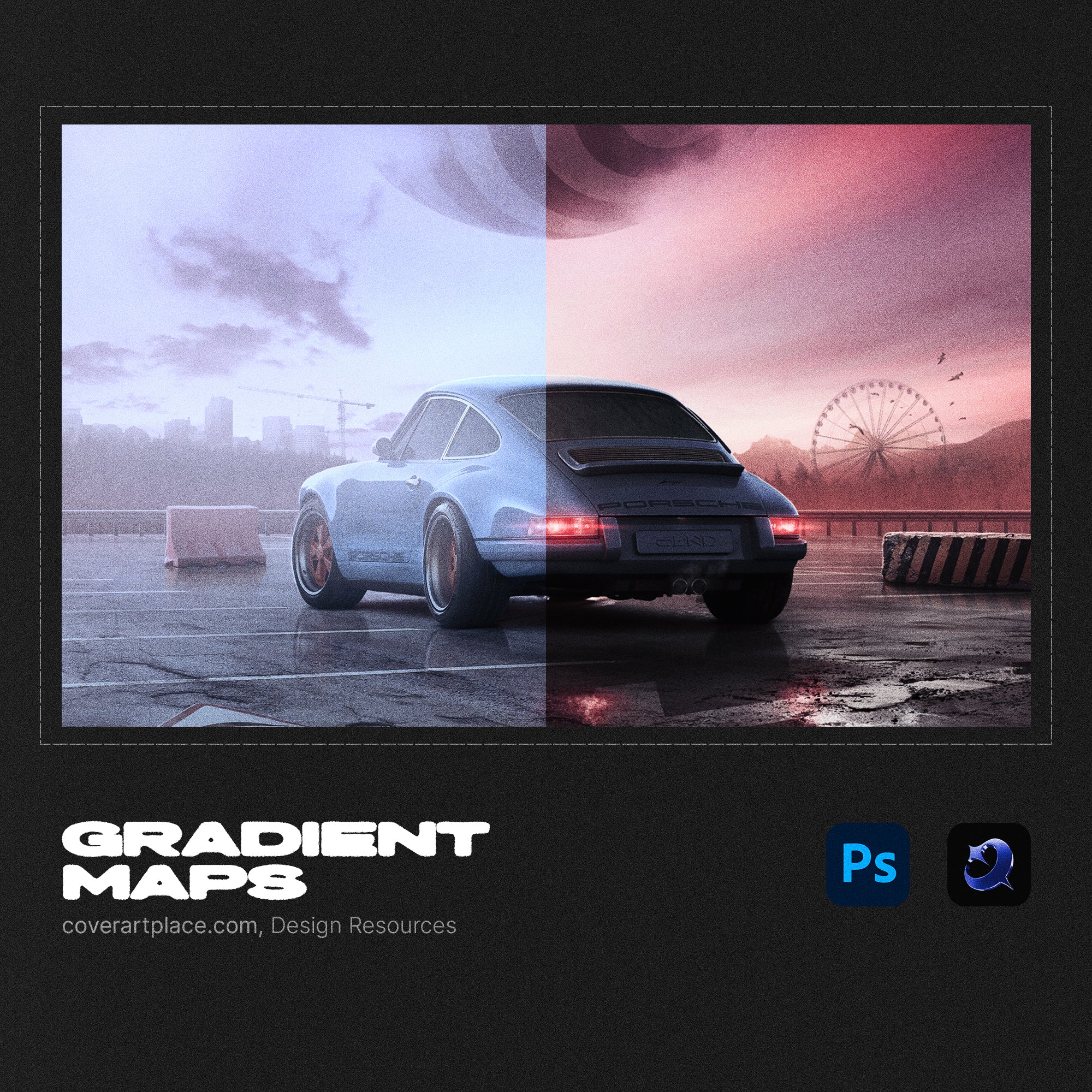
80 Gradient Maps for Photoshop
80 Gradient Maps for Photoshop — Premium Color Grading Presets for Album Cover Art & Music Posters
Color is the first thing a listener sees before they hear a single note. These 80 hand-crafted gradient maps give your album artwork, single covers, and music posters an instant professional color grade — the kind that makes your release look like it came out of a top-tier creative studio. One click. Infinite combinations.
What's included
- 80 unique gradient map presets (.grd) for Adobe Photoshop
- Full spectrum coverage — dark and moody, neon and vibrant, warm analog, cold digital, duotone, and more
- Non-destructive workflow — apply as adjustment layers, tweak opacity, stack and blend freely
- Compatible with any image or photo — portraits, abstract art, photography, AI-generated artwork
- Instant download — ready to load into Photoshop in seconds
How to use
- Download and unzip the .grd file after purchase
- Load into Photoshop via Edit > Presets > Preset Manager
- Apply as a Gradient Map adjustment layer over your artwork
- Adjust opacity or blending mode to dial in the exact look
Who this is for
- Music artists designing album, EP, or single covers for Spotify, Apple Music, and other streaming platforms
- Graphic designers and art directors working on music visual identity and release campaigns
- Photographers and digital artists looking for fast, professional color grading presets
- Producers and beatmakers building a cohesive visual brand across streaming and social media
Compatible with Adobe Photoshop CC 2018 or later. Works with any image type — photos, illustrations, and AI-generated artwork.
How Fast Will I Receive My Order
You will receive your order instantly after purchase to the email address you provide during checkout
Where Can I Watch Tutorials for Your Templates and Projects
All tutorials video guides and lessons for our templates animations PSD projects and design resources are available on our official YouTube channel
Watch tutorials here
Cover Art Place YouTube Channel
What Software Do I Need to Use Your Templates and Projects
For animation templates and motion projects you need Adobe After Effects 2019 or newer
For PSD cover templates textures mockups and graphic resources you need Adobe Photoshop 2016 or newer
No additional plugins are required for working with our templates and projects
Choose options

Edit It Your Way
Fully layered project file. Drop in your assets, adjust, and save.

Video Tutorials
Watch step-by-step tutorials for every template on our YouTube channel.

Full Rights Included
Every template is designed in-house by Cover Art Place. Use it for your releases with no restrictions.